Customize your own safespace
Clatcher – Your Ultimate Personalized Online Platform Create your own Usersite, chat with friends, securely store files, run your blog, and play exciting games – all on one interactive platform. Clatcher is designed for privacy-conscious users who want full control over their content.
Maybe leave some tip itcoin-Address: bc1q9zzdclr4fxespf4zytejs4enp37czvv0syasxq
Help us to develop new online games. See here
Create your own Clatcher-Layer. See here
What can you do here?
Welcome to my little social network experiment. I want to show you what you can do here and maybe you will find it interesting as well.
At first, I want to notice, that I love data sovereignty. So everything you post here, can be deleted at everytime. You decide what you want to share and what not.
There is only one rule: No CSAM! You get banned immediately if you get caught.
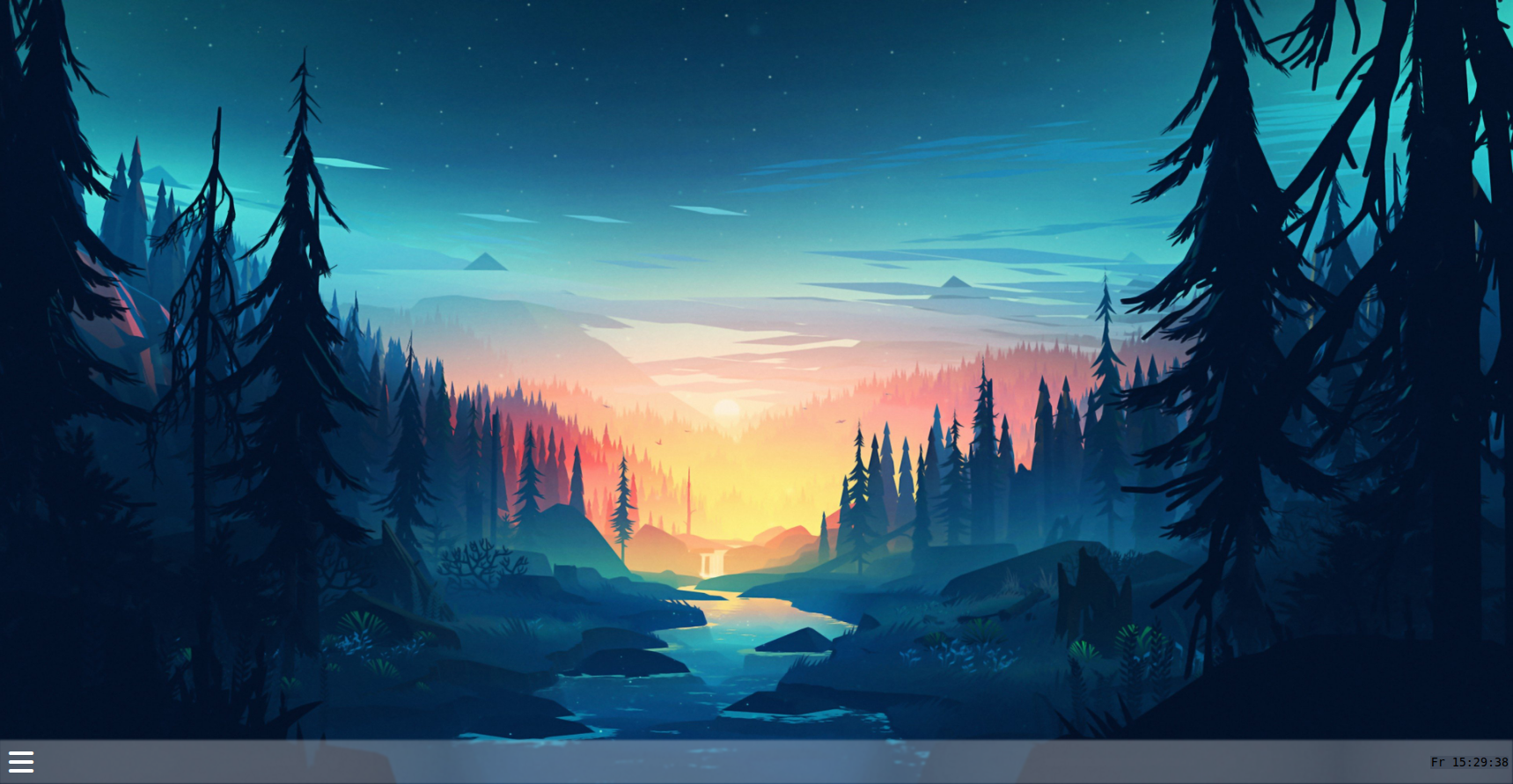 When you have registered here, you see your personal space, with your standard background. You can change it anytime with whatever you want.
In the lower left corner you see the menu button, where you get access to various features of this site.
Now, I show you what you can do here precisely.
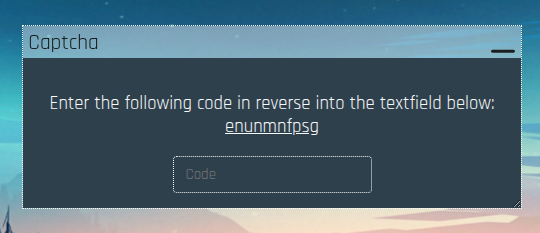
At first, you need to solve a simple captcha to get full access to this platform.
Nothing special here, so we go further.
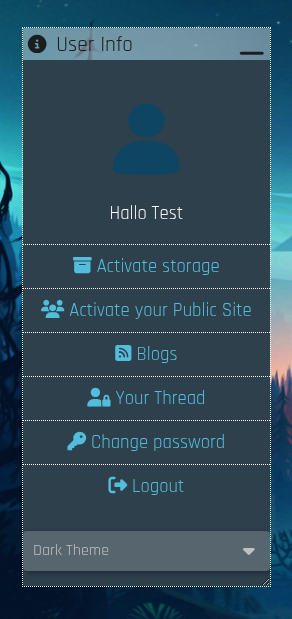 Maybe this is the most important layer of your private site. Here, you can activate various features (e. g. your own storage or your public usersite),
a link to all public posts, activate your private thread, change your password or logout from your account.
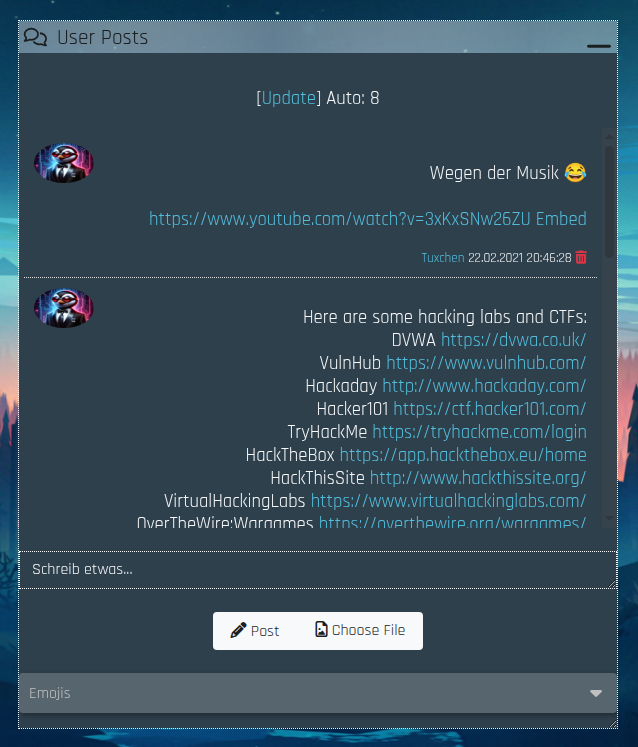
Here you can see the public thread. Here can anyone post anything what they want.
There are various emojis you can use in the dropdown box below.
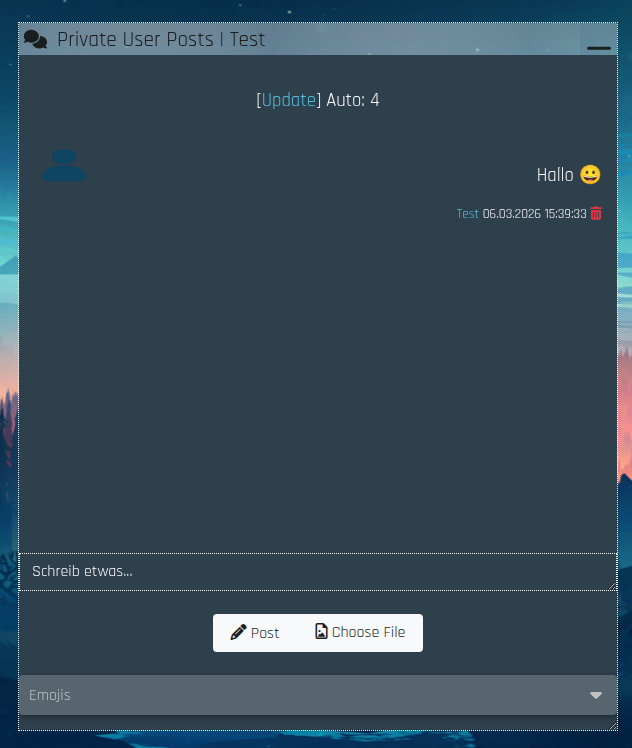 Here is your private thread. Here can post only your friends and you.
If a friend is spamming in your private thread, you simply remove him from your friendlist and he cannot post anything there anymore.
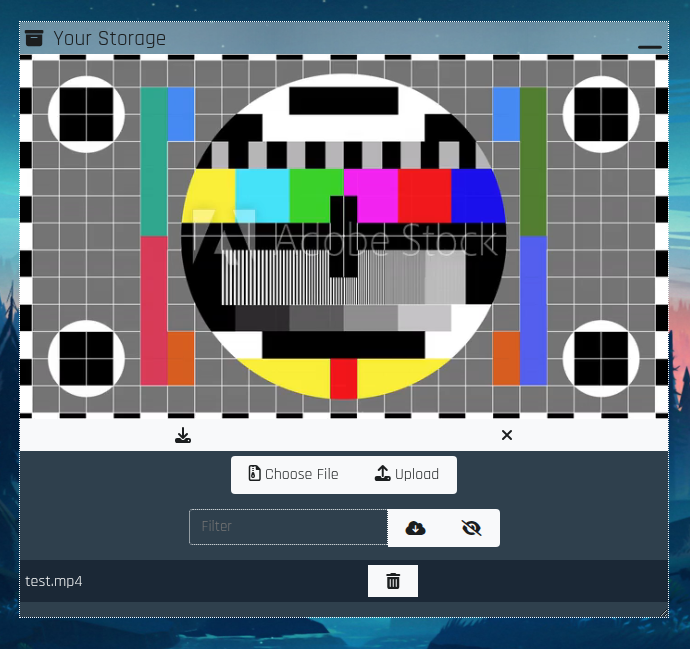
You also can activate your own file storage. This layer is very versatile. You can upload any file (max. 20 megabyte) into your storage, where any file is encrypted.
Then, you can watch your file in your storage any time. So, you can upload mp4-files to watch videos, mp3-files to listen to music, pdf-files to read something, or anything else.
You also can upload an html-file and have in your storage a simple browser in browser.
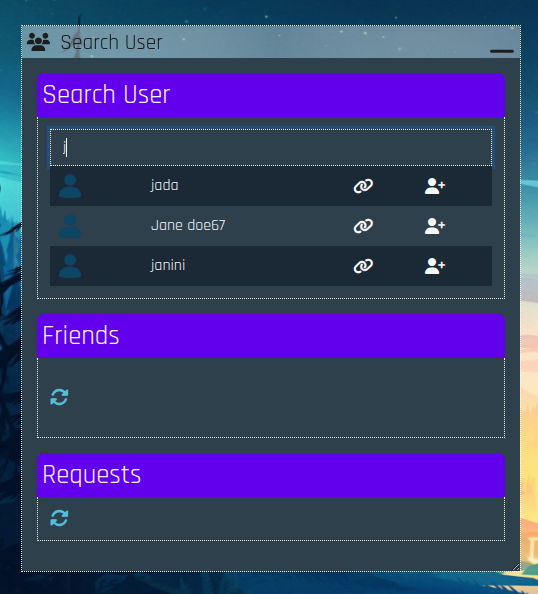 Here you see the user layer. You can search for all users and send them a friend request.
The user can decide if he accepts or not.
You also can see your current friends and your current friend requests.
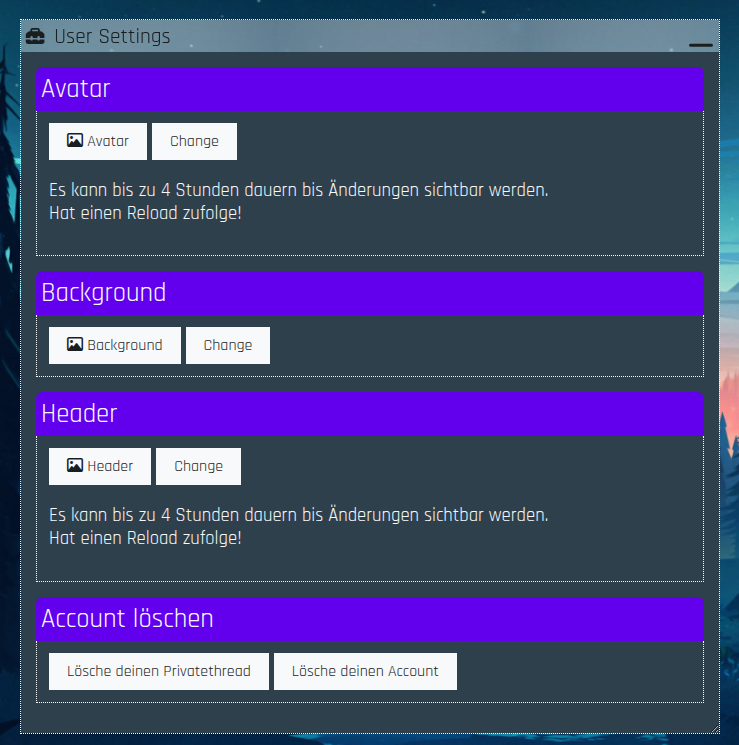
Here we see the user settings. You can upload your personal wallpaper for your personal space, your personal logo and your personal header image.
Note, that your max upload limit is 5 megabyte.
You also can remove everything in your private thread or your whole account on this platform. Everything will be removed, there will be nothing back.
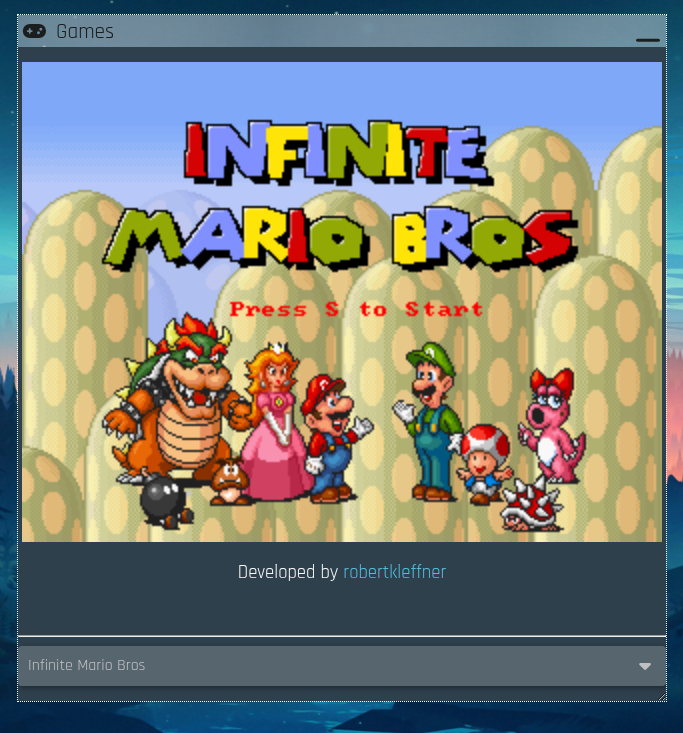 You also can play simple games in your private space. If you have any idea what game we should add to the current games list, feel free to contact us :)
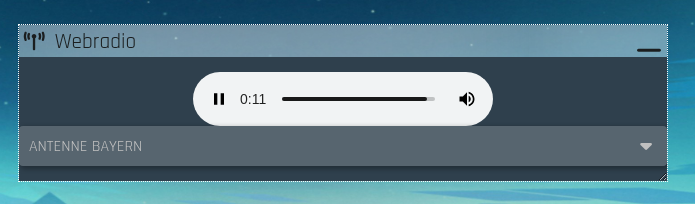
There are also some webradios you can listen to. If you have any idea what webradio we should add to the list, contact us any time :)